Ready video in minutes, not hours
More Features in the Service
One service instead of ten
We've gathered the best models in one place. Save time and get results faster


One Subscription Works on All Platforms
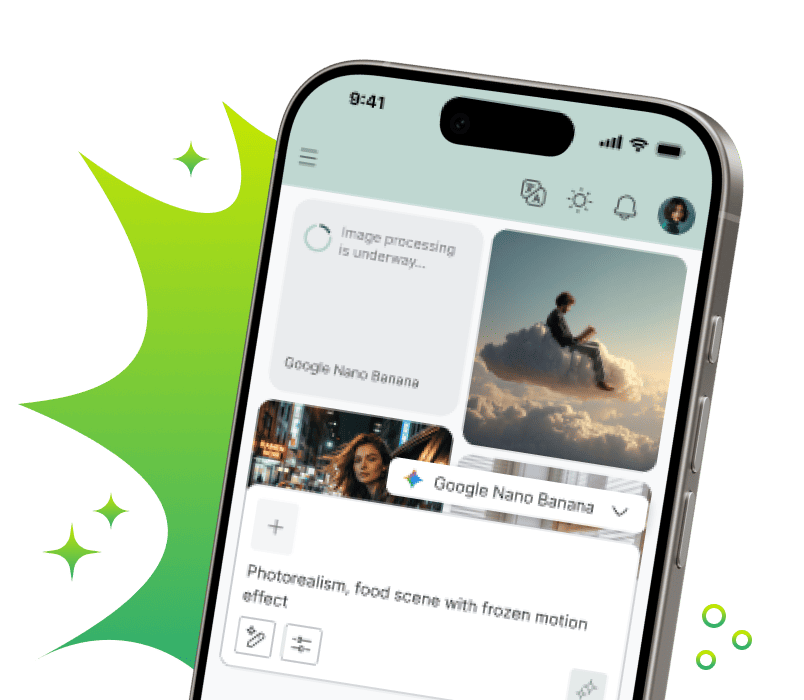
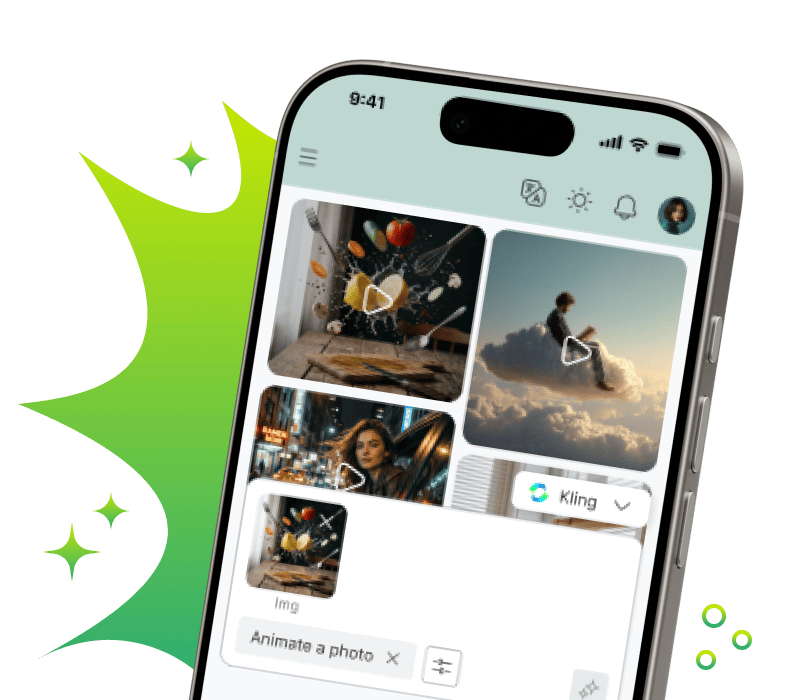
Create and use AI in familiar services - quickly and convenientlyMobile Application
Download the mobile app — work with AI anywhere: on the go, at a meeting or at home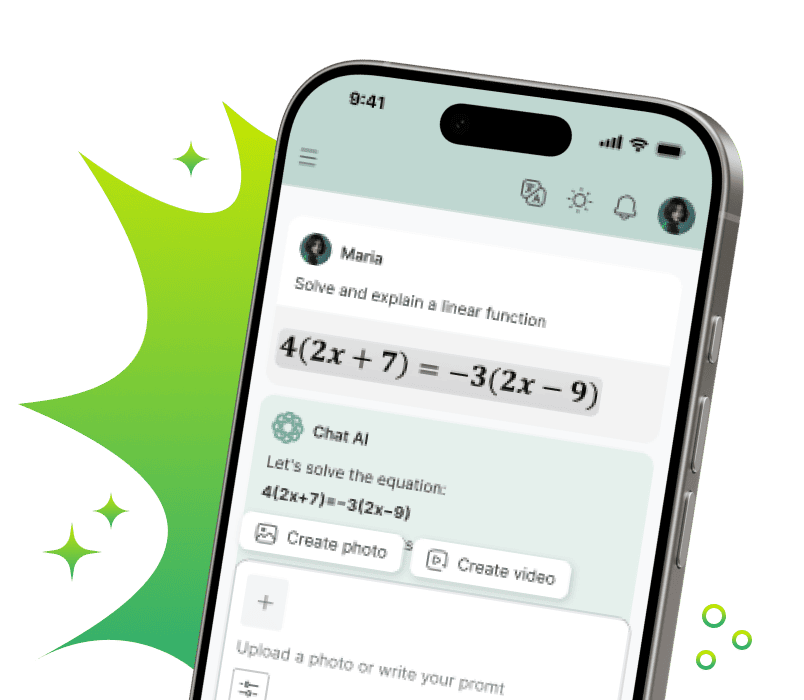


In Telegram - where you communicate
Create content, respond to clients, learn and work with neural networks — right in the chat
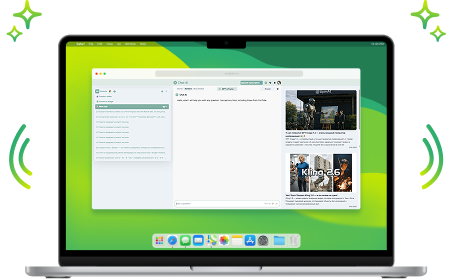
Browser Extension
Write posts, emails and comments, improve text, translate and generate ideas directly in website fields. AI where you work
Your Personal AI Assistant

Helps with Studies
Writes unique text, simplifies complex topics and helps prepare for exams
Unloads at Work
Compiles and analyzes documents, emails and reports. Working with Word, Excel and PDF becomes many times easier
Writes and Fixes Code
Writes code in any language, finds errors and optimizes scripts. Your personal code reviewer 24/7
Creates Content
Generates posts, creates images and videos for social networks, writes sales copy
Entertains and Develops
Answers questions, creates recipes and suggests hobby ideas. Your smart companion and home assistant
Saves Time
Helps teachers create study guides, and doctors — medical instructions. Takes over routine documentationChoose a pricing plan for your tasks
-
Free
For the simplest requests
0 €Start for free-
 Monthly requests500
 -
Message length2 500 symbols
-
Limited access to base models
-
Internet searchGPT-5.6 Terra SearchGemini 3.8 Flash Search
-
Image and logo generation + text overlayGPT Image 2Google Nano Banana 2.1Ideogram 4 TurboMidjourney 8.2Seedream 5.0 Pro
-
Solving problems using photographs, as well as analyzing images and documents
-
Convenient organization of chats for any projects
-
-
The most popular
Premium 💎
Optimal for studying and working
750 € /monthStart-
Monthly requests2 500
-
Message length100 000 symbols
-
Everything from the free plan, plus:
-
Full access to GPT-6 and other everyday models
-
In-depth expert answers
-
Access to advanced models for image generationGPT Image 2 HighGoogle Nano Banana ProRecraft V4.1 Pro
-
Creating a video from textKLING O1Seedance 2.0 FastGemini Omni 1.1 Flash
-
Unlimited ♾️GPT-5.4 nano
-
Improved search with source verificationPerplexity Reasoning Pro
-
Voice assistant and document analysis
-
Create your own AI assistants for routine tasks
-
-
Pro 🚀
For professional use
2 000 € /monthStart-
Monthly requests7 000
-
Message length2 000 000 symbols
-
All Premium features, plus:
-
Professional videos for social mediaKling 3.0 StandardSeedance 2.0
-
More requests - more freedom
-
-
Business 💼
The best option for teams
5 000 € /monthStart-
Monthly requests20 000
-
Message length2 000 000 symbols
-
All Pro features, plus:
-
Personal manager
-
Access to all models we offer
-
One subscription for the whole team
-
Employee expense management
-
Create your own AI assistants based on your company
-
High-quality videos with sound support
-


Сreated today
 Answers
 Images
 Videos
Any questions left?

For example, simple AI models spend one request from your package per your message. More advanced neural networks may use, for example, three requests for one message.
This is because they:
- Are more powerful and smarter
- Require more computational resources to generate a quality response
- Have higher cost price and final price
- If you regularly hit the limit and understand it won't be enough going forward, we recommend switching to a higher plan
- If you need more requests only occasionally, you can purchase them separately
We also keep old versions of neural networks for a while in case the new one proves unstable. The full and up-to-date list of available neural networks can be viewed here
- In the bot: use the /unsubscribe command and follow the instructions
- In the web version: click on your profile icon in the top right corner, go to settings, and find the “Unsubscribe” button
But it's better not to cancel anything, of course, because soon robots will take over the world, and we don't see much point in resisting 😉
Despite the name, any individual can subscribe to this plan. It's perfect for a family or small team, for example.
Latest Updates

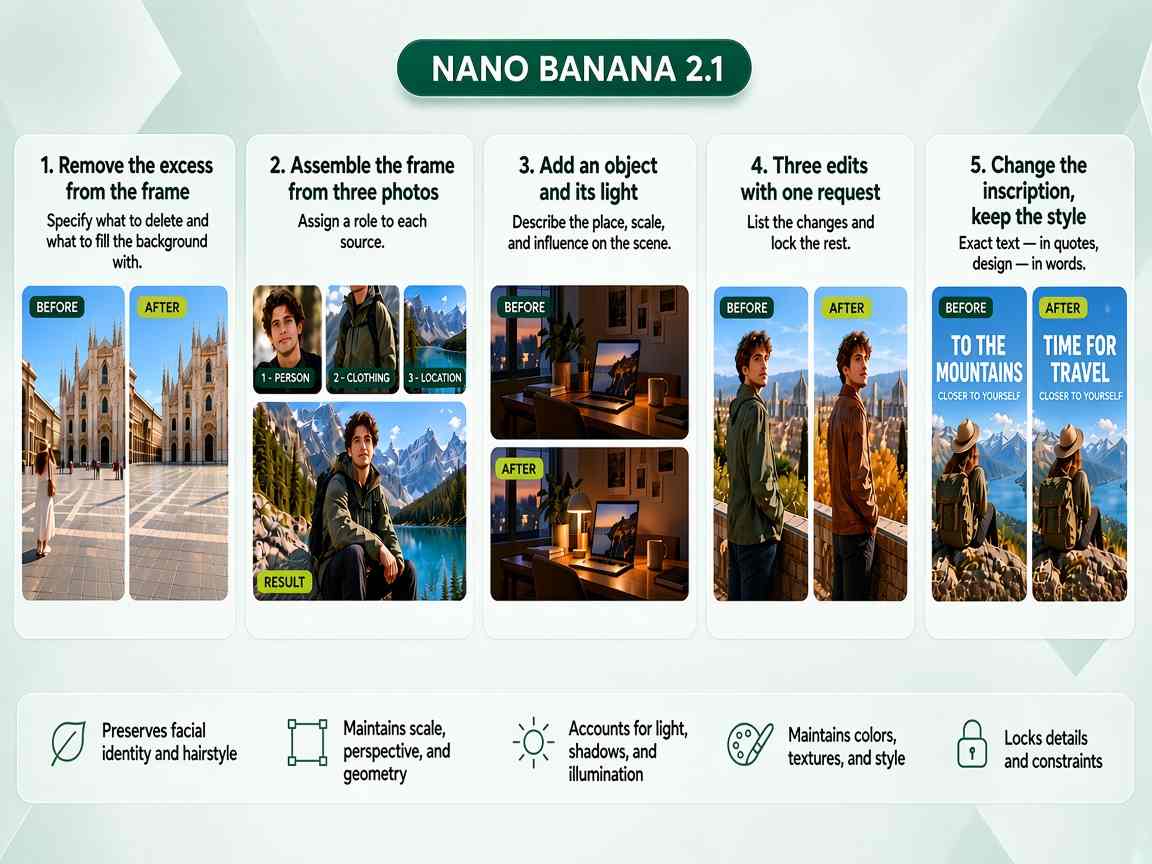
Grok AI Video Generation – create videos with AI for free
The xAI video generator opens up new possibilities for fast visual content production. Now users can create dynamic scenes, animate static images, and turn text scripts into ready-made clips without complex editing. This feature helps businesses quickly assemble ad creatives, bloggers fill their feeds with unique content, and ordinary users bring creative ideas to life. Start creating videos right here using advanced AI algorithms to solve any content task.
How the Grok neural network generates videos
Modern multimodal models can analyze text commands and visual sources to create smooth animations. The newest free video generation in Grok feature is available on our convenient platform. Algorithms calculate object motion physics, light distribution, and maintain anatomical accuracy of characters throughout the entire duration.
Practice shows that video production automation significantly reduces the workload for marketers and designers. Instead of hours of rendering, users get ready results in minutes. The Grok AI video generation tool adapts videos to cinematic standards, ensuring high detail quality.
Text to video
This mode is based on natural language processing technology that converts plain text into visual images. Users write detailed scripts, describing camera movement, lighting, and the overall atmosphere of the scene. The neural network recognizes keywords and creates a coherent sequence of frames from scratch. This method is ideal for creating concept art or quick animated sketches.
Photo to video
This scenario allows you to use an existing image or photo as the first frame of your future animation. The system analyzes the structure of the source image, identifies object boundaries, and adds realistic motion to them. This approach ensures that the final video retains all the important details, proportions, and style of the original image. This mode is perfect for bringing static logos, portraits, or landscapes to life.
How to create a video in Grok: step-by-step guide
We've made AI interaction as simple as possible so anyone can get quality results without professional skills. On our platform, you won't need to configure complex libraries or rent graphics cards. The entire workflow consists of three simple steps:
- Write a script or prompt. Formulate a text query, describing in detail the desired actions and style.
- Upload the source. If you plan to animate an image, attach it to your query before starting generation.
- Generate and export. Press the start button, wait for the process to complete, and download the finished media file to your device.
Grok video generator capabilities
The platform's technology stack addresses key tasks for different user categories. Developers can evaluate API integration potential for their products, businesses get an affordable tool for hypothesis testing, and ordinary users get a simple generator for creativity. Powerful AI takes care of all routine work related to composition and frame rendering.
System capabilities include the following directions:
- creating short promo videos for social media and advertising platforms
- animating characters while preserving their unique external features
- generating atmospheric backgrounds and special effects for presentations
- transforming the style of source materials using text commands
Special algorithms minimize artifacts and maintain stable object movement within the frame. This allows you to use the generated materials professionally without additional deep retouching.
Free video creation in Grok on our service
Our platform provides access to cutting-edge AI technologies without the need for foreign bank cards or complicated workarounds. We've removed technical barriers so every professional can immediately appreciate the benefits of automation. The stable infrastructure at our service processes incoming requests in real time.
Limits and pricing
We offer flexible terms for interacting with the neural network. You get immediate access to basic features, allowing you to test the speed and quality of the algorithms without any financial investment. As your business needs grow, you can choose extended packages that increase your priority in the generation queue.
How to get free access
To test the tool, simply register quickly on our portal. Each new user receives starter limits to get acquainted with the system. You can immediately send your first text query or upload an image for animation to see the technology in action.
Why you should use our video generation service
We strive to make working with AI comfortable and understandable for a wide audience. Our convenient interface eliminates the need for online translators when adjusting generation parameters. The hint system helps you formulate your ideas correctly, even if you're trying to work with neural networks for the first time.
Integrating advanced models on a single site gives users important advantages:
- instant process launch without downloading heavy software to your computer
- stable request processing speed thanks to powerful server equipment
- the ability to make a video in Grok for free within daily trial limits
- secure storage of your source materials and finished work in your personal account
- regular algorithm updates following global releases from xAI
Experienced professionals note that modern Grok AI video seamlessly integrates into companies' existing workflows. Instead of long searches for freelancers or purchasing expensive stock footage, businesses use a flexible generation tool. Try using the platform for your daily content tasks today.
Video generation in Grok AI is changing the approach to digital content production. The well-designed Grok tool lets you generate video in just a few clicks, saving time on initial scene assembly. Our user-friendly Grok AI generator helps users create impressive visual products without extra effort. Full-fledged video creation in Grok AI is now available to every account holder on our platform. The modern neural network makes it easy to create video for ads, education, or personal blogs. Launch the application in your browser to personally evaluate the speed and convenience of smart algorithms.